We're really excited to bring you some new and updated features for October!
Adding images to the Community
Previously, the only way to add images such as screenshots to the Community was to add a Photo via the Photos icon. We're pleased to announce that the Community now allows both the copying and pasting of images from the clipboard and the ability to drag and drop images, videos and attachments into a post.
Copy and Paste
You can now copy and paste both text and images from a document (e.g. Word, Email, Google Docs) in to a Community post.
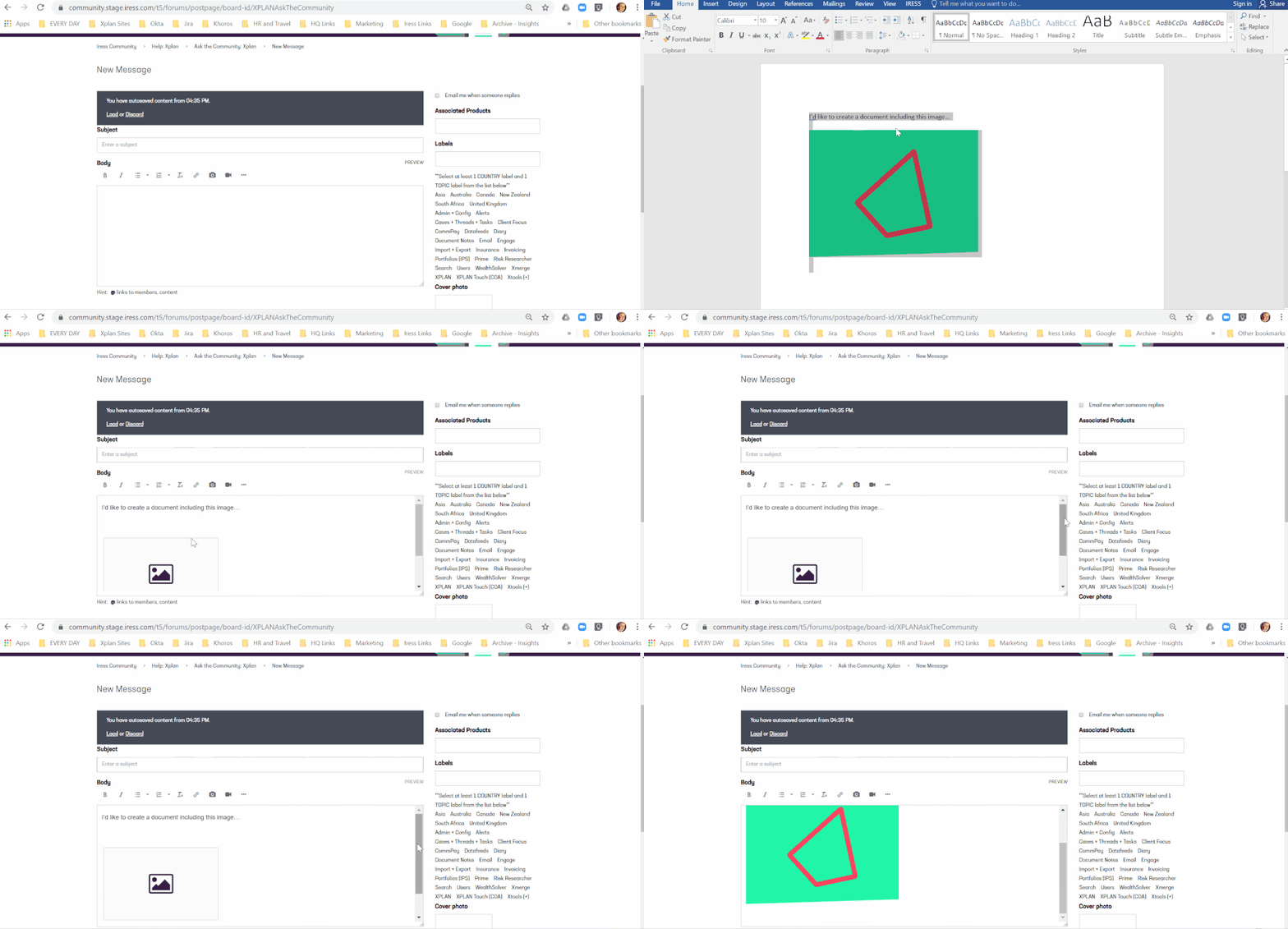
Drag and Drop
Similarly to copy and paste, if you have an image saved on your desktop or in another folder, you can now drag and drop that image directly into the message editor.
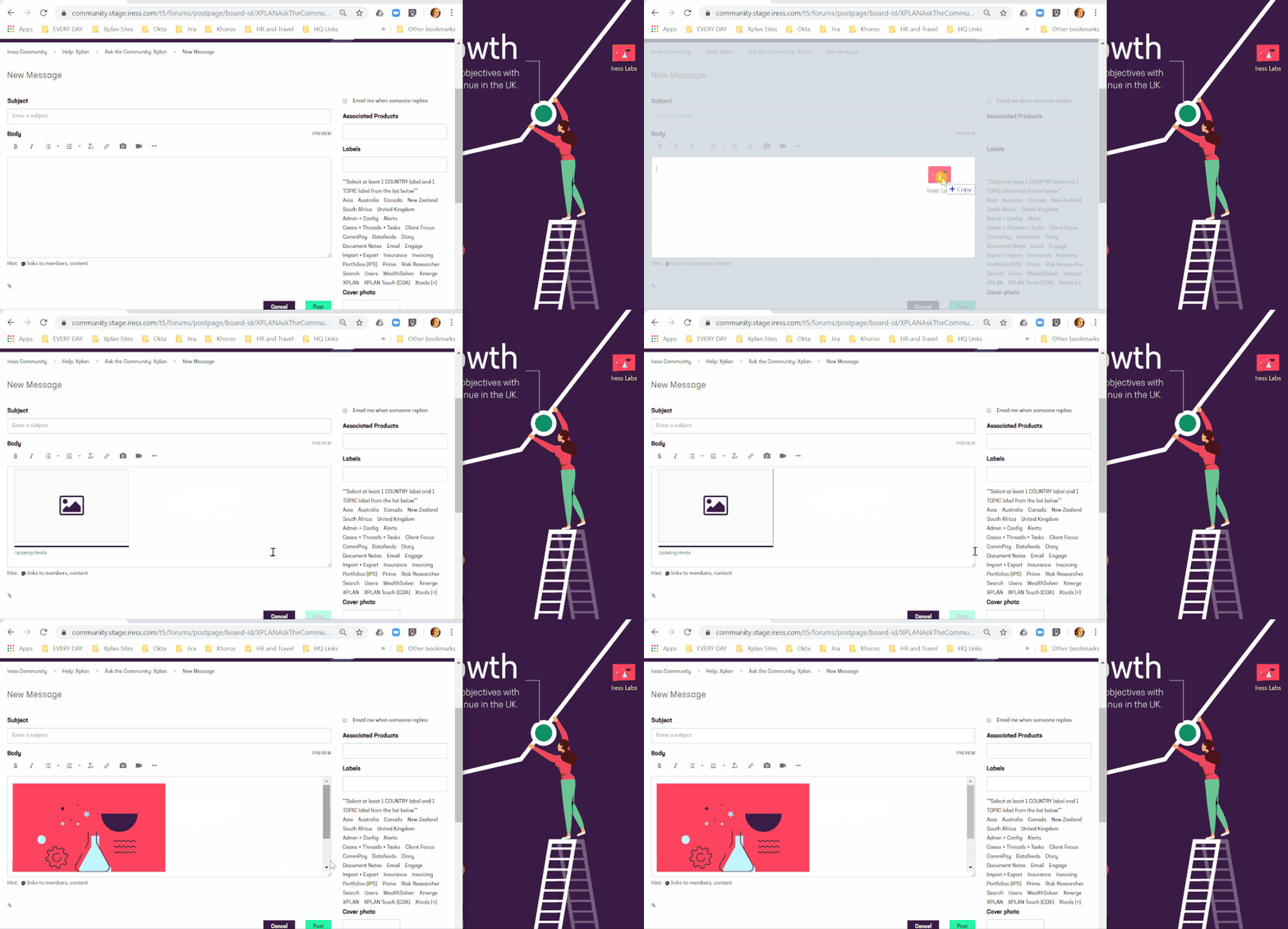
Featured Articles
Our Featured Articles are a great way to bring key contact to the fore for members of our Community however we had noticed that the featured articles themselves took up a little too much space on the screen not allowing you to get to the content underneath as quickly and seamlessly as you would like. We’ve also found situations where we wanted to show more featured content than we could fit on the screen in the best way.
With this in mind, we’ve made our Featured Content section smaller and increased the number from 3 to 4 which means we’ll be able to highlight important updates for you easier than before.
Feedback
Thanks to all of you who have provided feedback enabling the above to happen. We look forward to receiving more feedback from you and further enhancing your Community experience. We have initiatives live now around standardising the content to make it easier for you to find what you are looking for as well as how we get more best practice articles there for you to utilise.
We’d love for more feedback so to assist with it’s collation and to make it easier for you to provide it, the Community will periodically provide you with a pop up asking for your feedback. You can always cancel the popup if you are busy and at any time, click on the feedback icon on the right of the screen to give us feedback when more convenient to you.

