Did you know Xplan now includes a native AML/CTF Risk Rating workspace to help you manage the latest AUSTRAC outcome-based reforms and NZ mandates?
Why? Compliance reporting often means digging through old file notes or jumping between different screens. This update centralises that data directly within the client record. It lets you capture standard risk levels, moving your practice away from fragmented, manual workarounds and into a structured framework designed to turn complex regulatory demands into a streamlined, high-visibility part of your client management.
How? Once active, navigate to a client record and open the Key Details menu, then select the AML/CTF screen.
From here, you can:
- Record a formal risk status (Low, Medium, or High).
- Link the assessment straight to a specific Document Note containing your rationale.
- The system then automatically snapshots the entry into a non-editable log for regulatory audits.
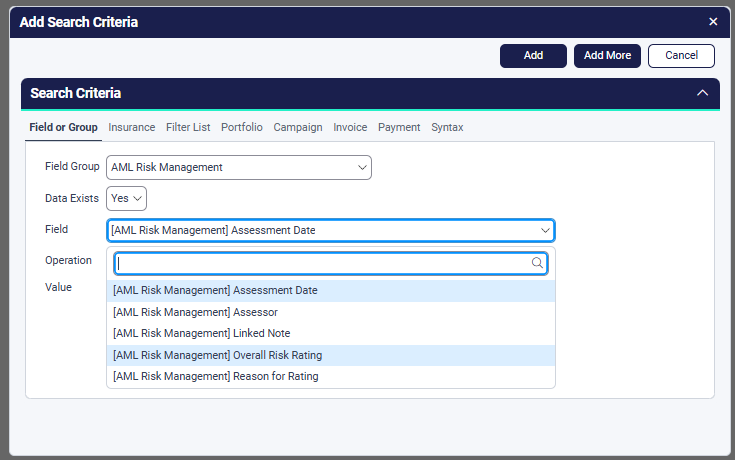
Because this data integrates with Xmerge and Advanced Search, you can pull an instant AML Register whenever you need it.
Read our feature overview here:
Streamlined compliance with native AML/CTF risk ratings in Xplan
💡Your site administrator will need to turn this on by enabling the View & Edit AML/CTF Risk Rating user capability.
To streamline things further for your team, you can use Managed Field Content to create a selection of pre-determined rationales. This keeps the data entry consistent across the entire practice and saves you from typing out the same compliance wording every time.